Record a payment
Clients pay you directly, by bank transfer, UPI, cheque or cash. Plott only records it; it never takes or holds your clients’ money.
1Mark it paid
On the invoice, choose Mark paid, then add the date it was paid on and a UTR or cheque number if you have one.
Marked by mistake? Choose Not paid after all.
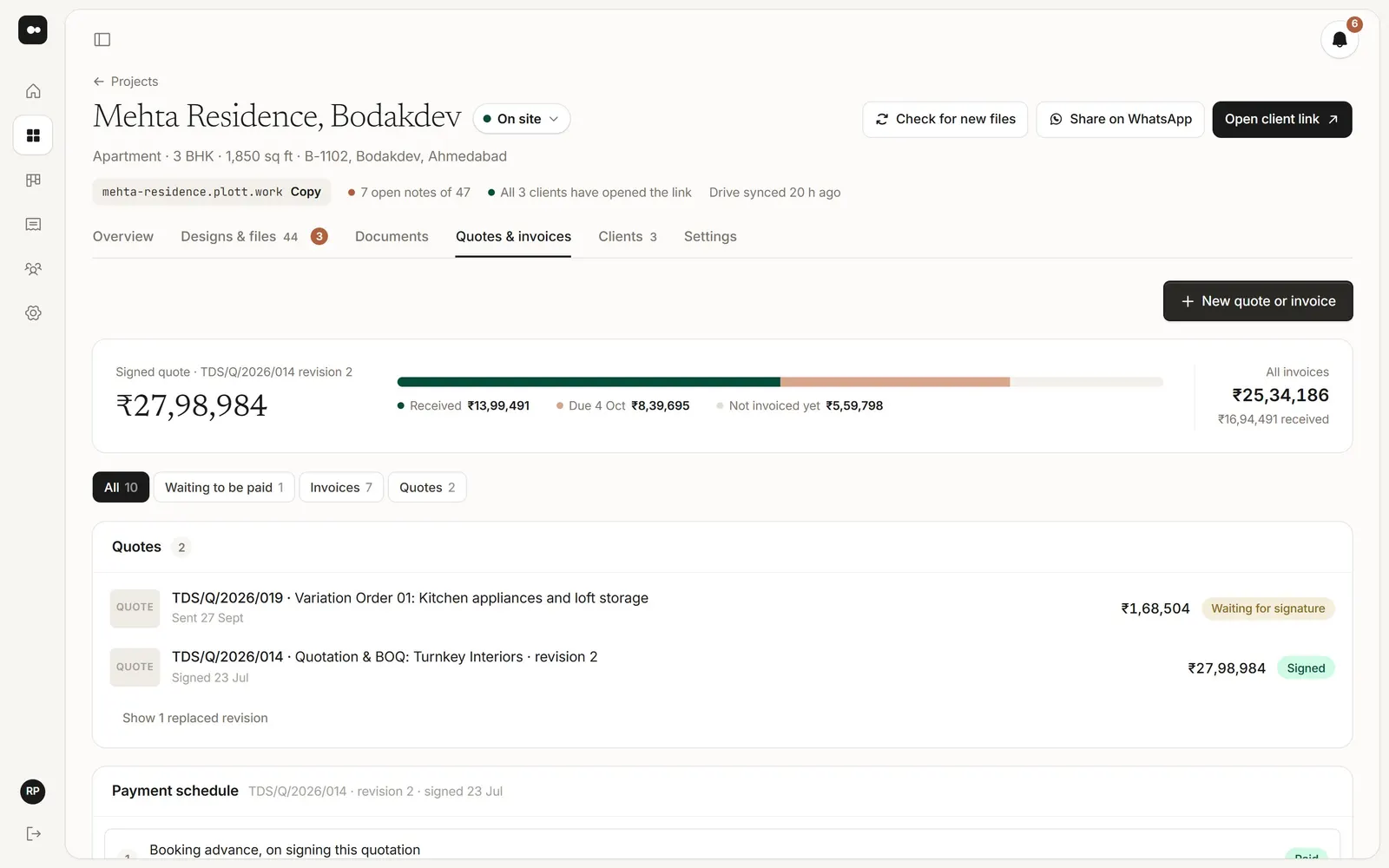
2See where a project stands
The project’s Quotes & invoices tab shows the signed quote, what’s been received, what’s due and what isn’t invoiced yet.
3Chase what’s due
On an invoice, choose Set reminder. On the day, it becomes a task for the person you choose; only people whose role can see invoices are listed.
Was this article helpful?