Send a document to sign
Agreements, variation orders and handover certificates can be signed on the phone, with a record of who signed and when. Documents come with the Studio and Practice plans.
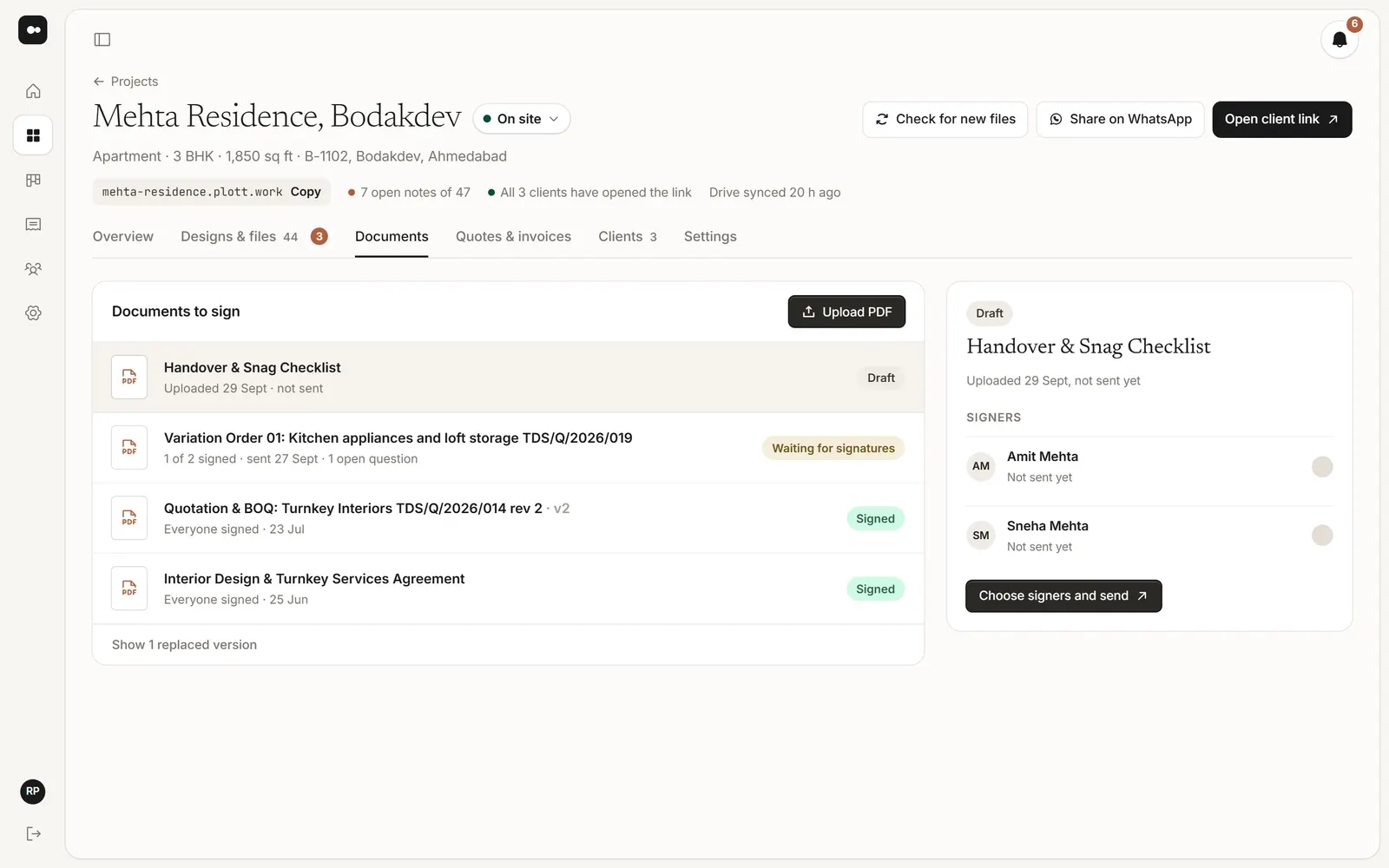
1Upload the PDF
In the project’s Documents tab, upload a PDF (up to 25 MB) and give it a name.
2Choose who signs and where
Pick the people on the project who sign. Then choose where: On a signing page at the end, the simplest, or In boxes I place on the pages. See Place signature boxes.
3Send it
Press Send for signing. Each person gets their own link by email; opening it is how Plott knows it’s them. They sign by typing their name or drawing a signature, and can ask you a question privately before they sign.
4Follow it
The document shows Waiting for signatures until everyone has signed, and who hasn’t opened it yet. Send a reminder to anyone who hasn’t signed.
The signed copy has a signing record page: who signed, when, from which link, and their IP and device. Choose Download signed copy to keep it.