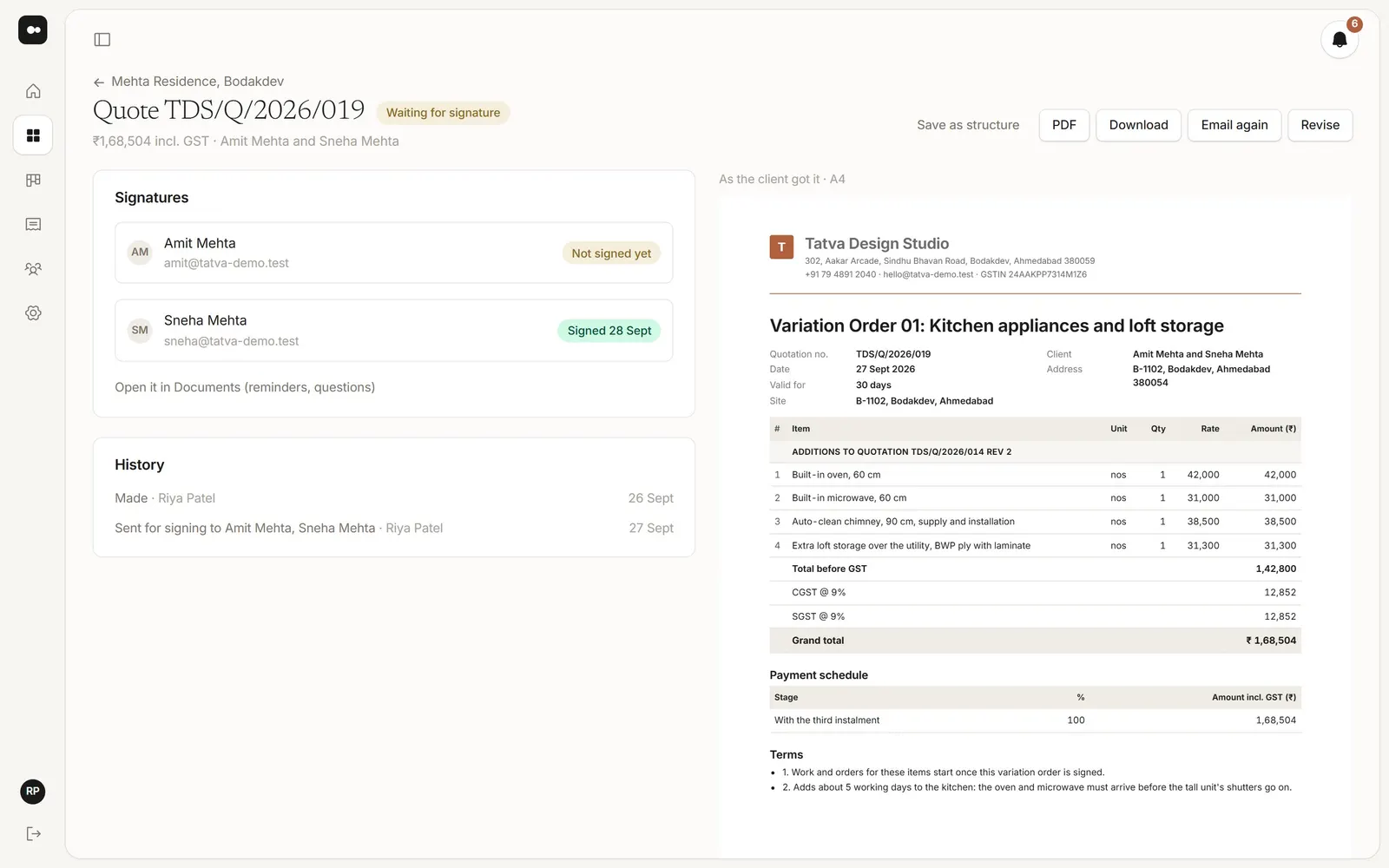
Plott keeps client approvals, GST quotes, invoices and POs in one place, built on the Google Drive folder you already use.
Free for 30 days · No card · Nothing to upload · Setup in minutes
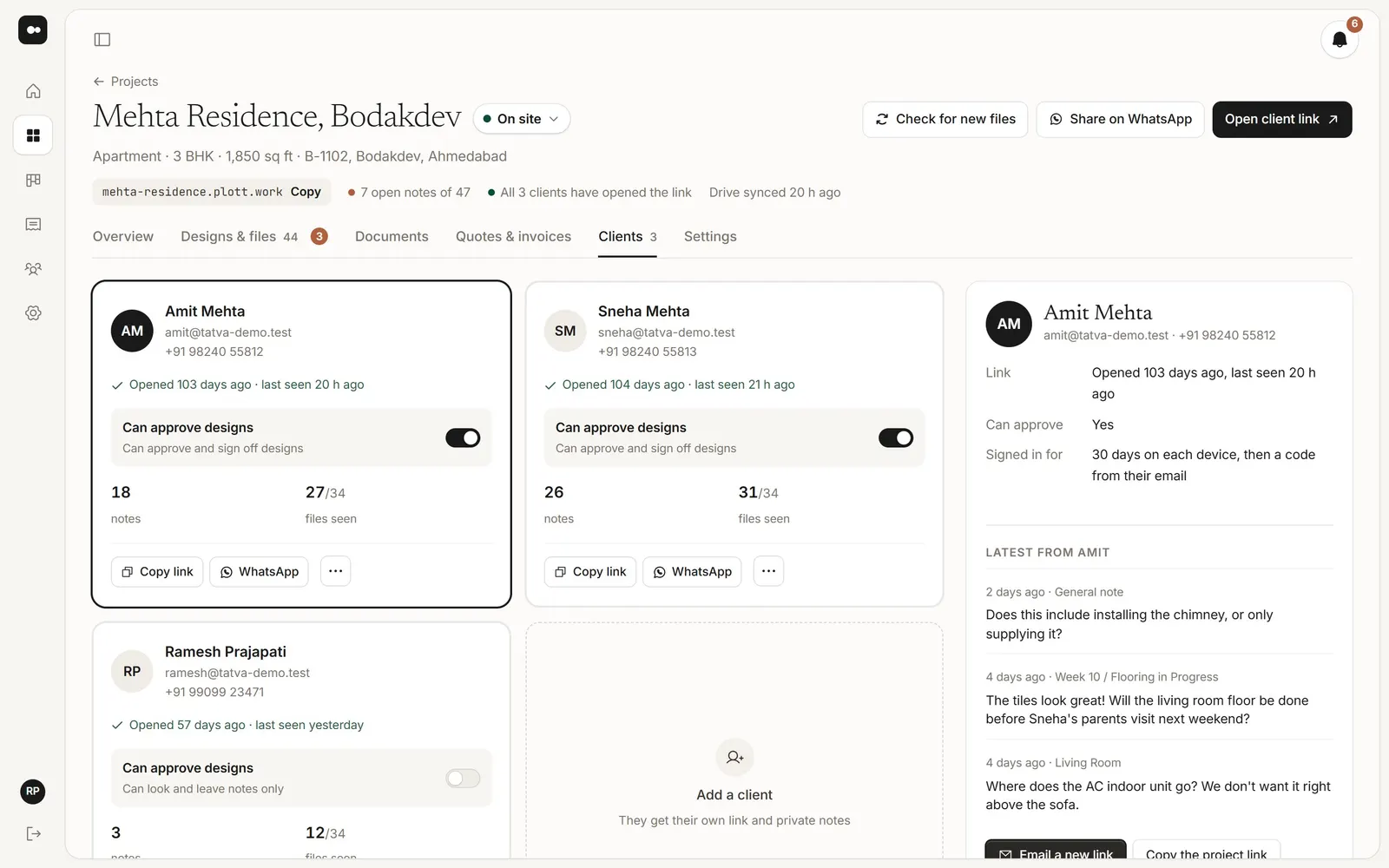
A client says yes to a layout on WhatsApp. A month later nobody can find the message, and they remember it differently.
Every quote starts as a copy of the last one, GST is worked out by hand, and nobody is sure which revision was signed.
Advances and stage payments live in a bank app and someone's memory, so reminders go out late or not at all.
Orders for the carpenter and the tile supplier are written fresh each time, and the project's cost only shows at the end.
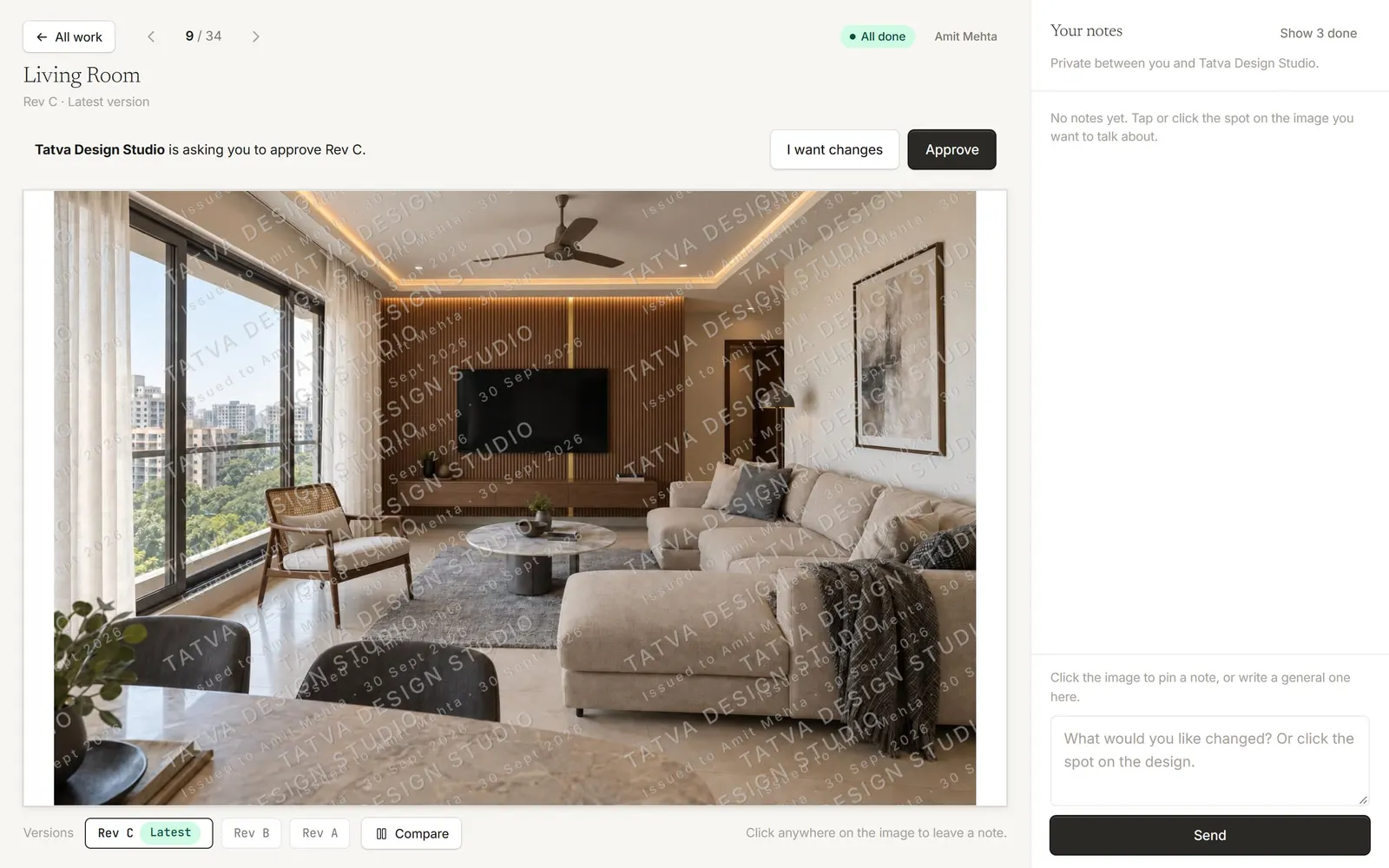
Clients open their own private link, pin notes on the exact spot of a render or drawing, and approve a version. You see who approved what, and when.

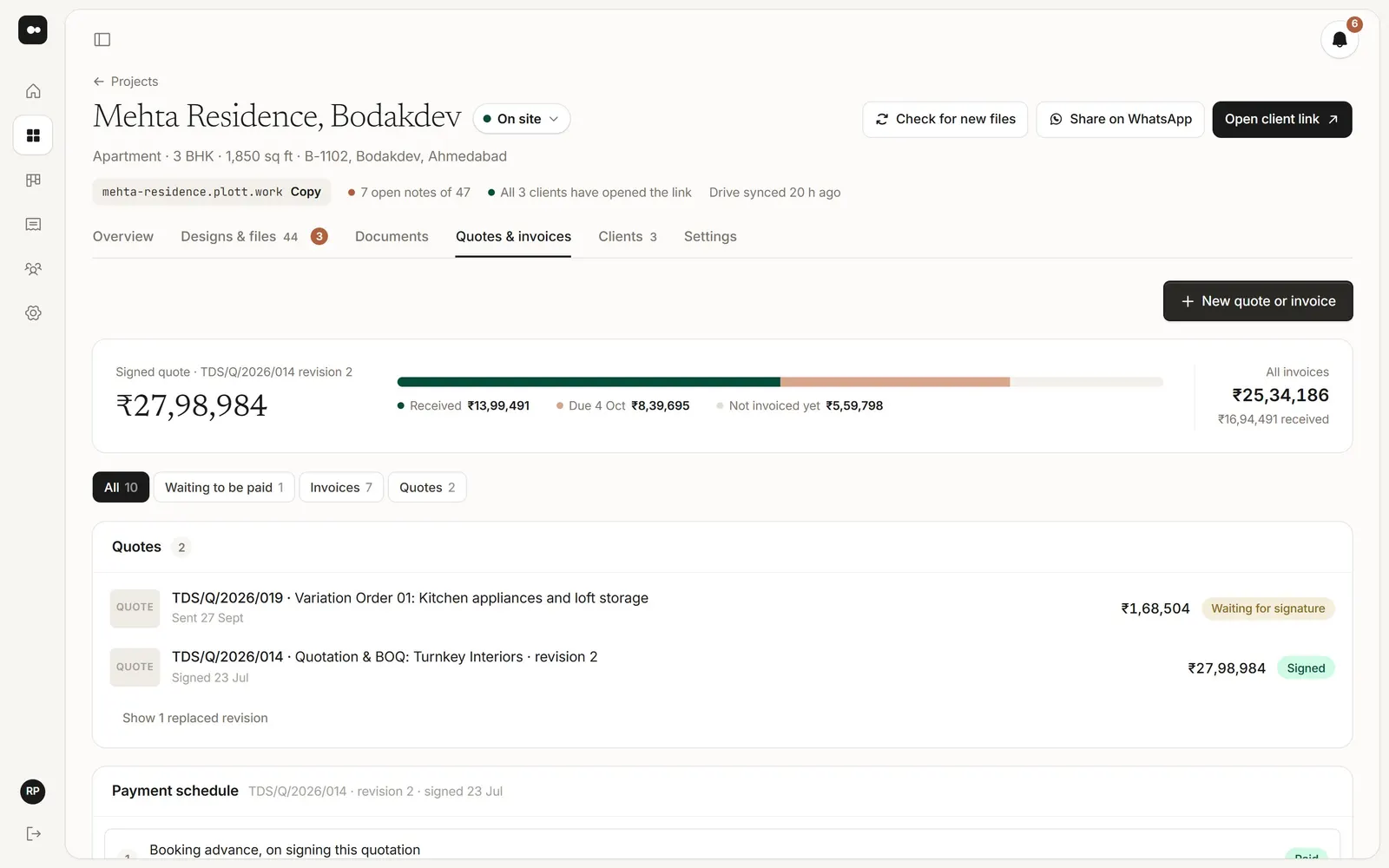
Make a quotation or BOQ with CGST and SGST or IGST and a payment schedule, on your letterhead. Send it to sign, and revise it without losing the old one.

Turn each stage of the signed quote into a GST invoice, and mark it paid when the money arrives. Clients pay you directly: Plott only keeps the record.

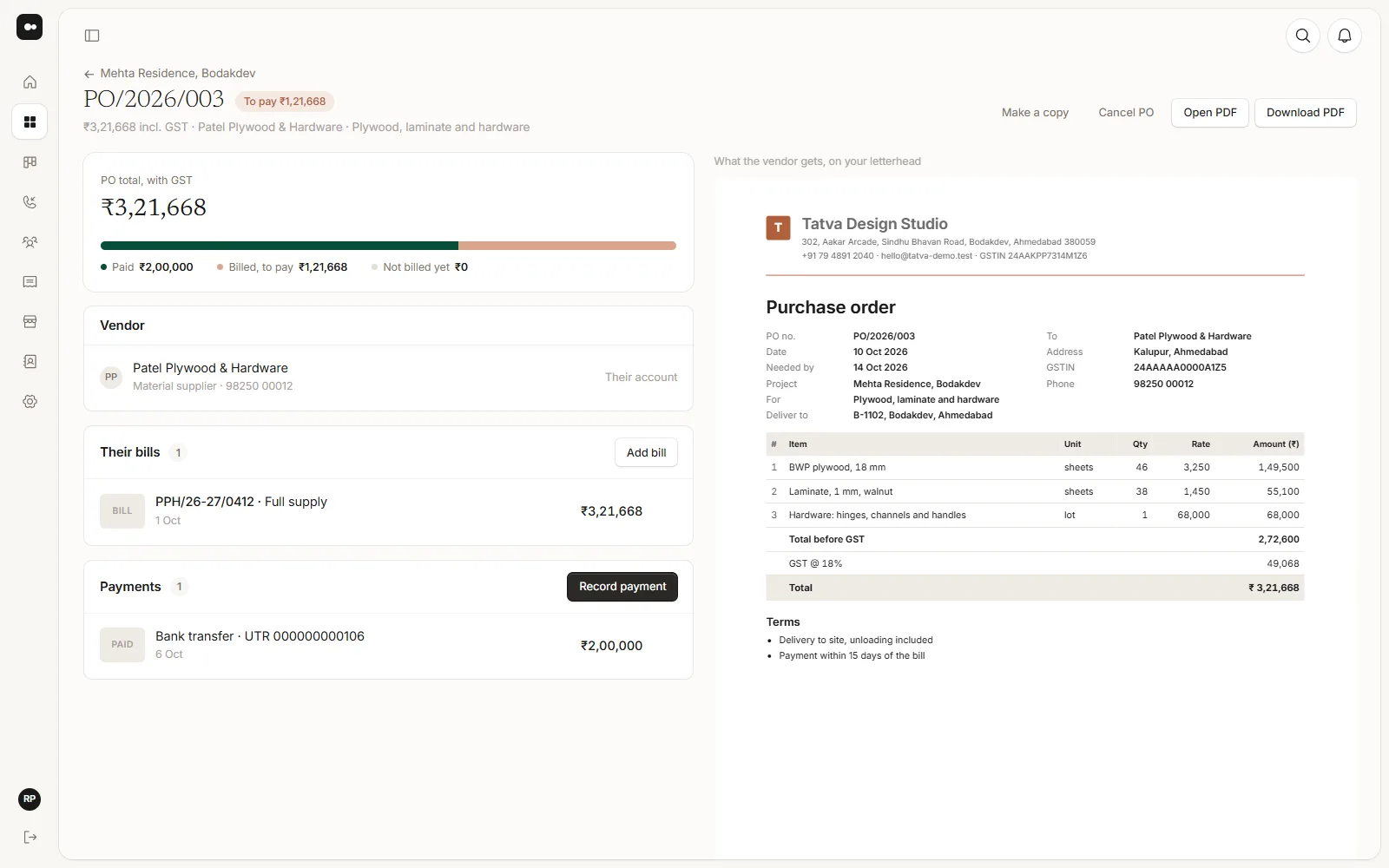
Send purchase orders on your letterhead to carpenters, plumbers and suppliers, add their bills and payments, and see the project's cost against the signed quote.

Not a full one. Plott doesn't track leads or a sales pipeline. Once a client is on board, it keeps their details, design approvals, GST quotes, invoices, payments and POs on the project, next to the files in your Google Drive folder.
Yes, side by side. There is no direct integration: keep enquiries in your CRM, and add each client's Plott project link to their record, so the sales history and the project are one click apart.
No. Your clients pay you the way they do today, by bank transfer, UPI, cheque or cash. Plott records what came in and what is still due, and never takes or holds the money.
No. Each client gets a private link that opens on a phone or laptop, with no app to install. The emailed link signs them in.
Yes. Every studio starts with Owner, Designer and Accounts roles, and you can make your own, for example a site role that can't see quotes and invoices.
Connect its Google Drive folder, add your client, and send the first quote from the same project.
No card · No migration · Setup in minutes