Plott
For interior designers

Get renders and finishes approved on the image, not in a chat.

Your client points at the sofa, the pendant or the swatch — and the note lands on that exact spot, on the revision they were looking at. You keep designing in the Google Drive folder you already use.

Free for 30 days · No card · Nothing to upload · Setup in minutes
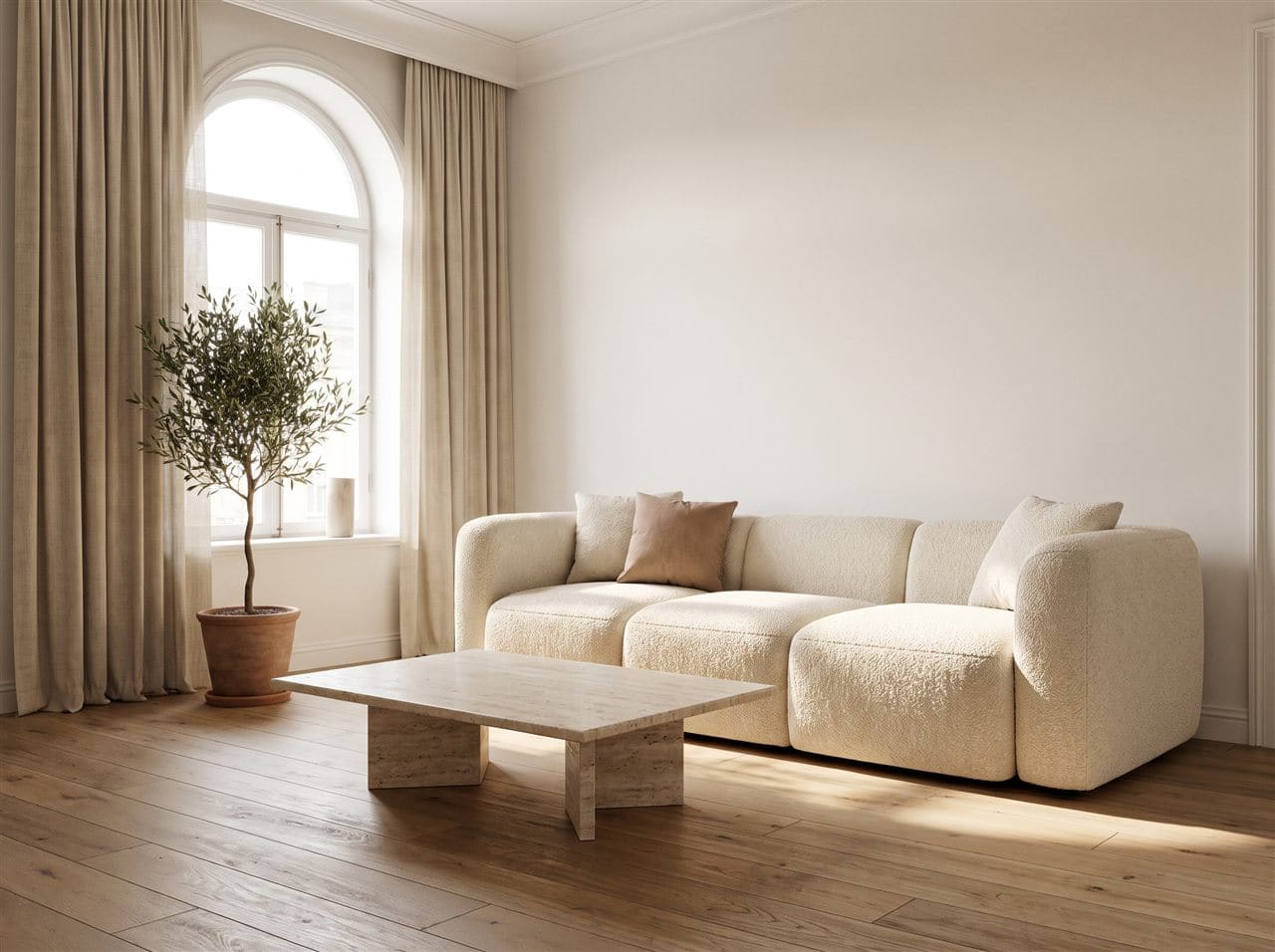
A living-room render with a client's note pinned to the sofa1
AS
Anita Shah · just now

Can we try this sofa in a warmer clay?

Open · on Rev C
Sound familiar?

Great renders. Feedback that arrives in pieces.

“The sofa” — which sofa?

Feedback describes things instead of pointing at them, and a one-word change turns into a morning of back-and-forth.

Swatches lost in the chat

A photo of the material board goes out, and three messages later nobody is sure which tile was approved.

Yesterday's render

Clients reply to whatever version is still open on their phone, not the one you sent this morning.

Full resolution, unpaid invoice

Clean, full-size renders leave your studio long before the work has been paid for.

How Plott fits

Every decision, pinned to the thing it is about.

Renders

Furniture, colour and finish, settled on the image.

Clients click the exact spot and type what they want changed. Each note stays attached to the place, the file and the revision it was left on, and you tick it off when the change is made.

  • No more guessing which lamp, rug or cushion they meant
  • Each client's notes are private to them
  • A note left on Rev B stays on Rev B
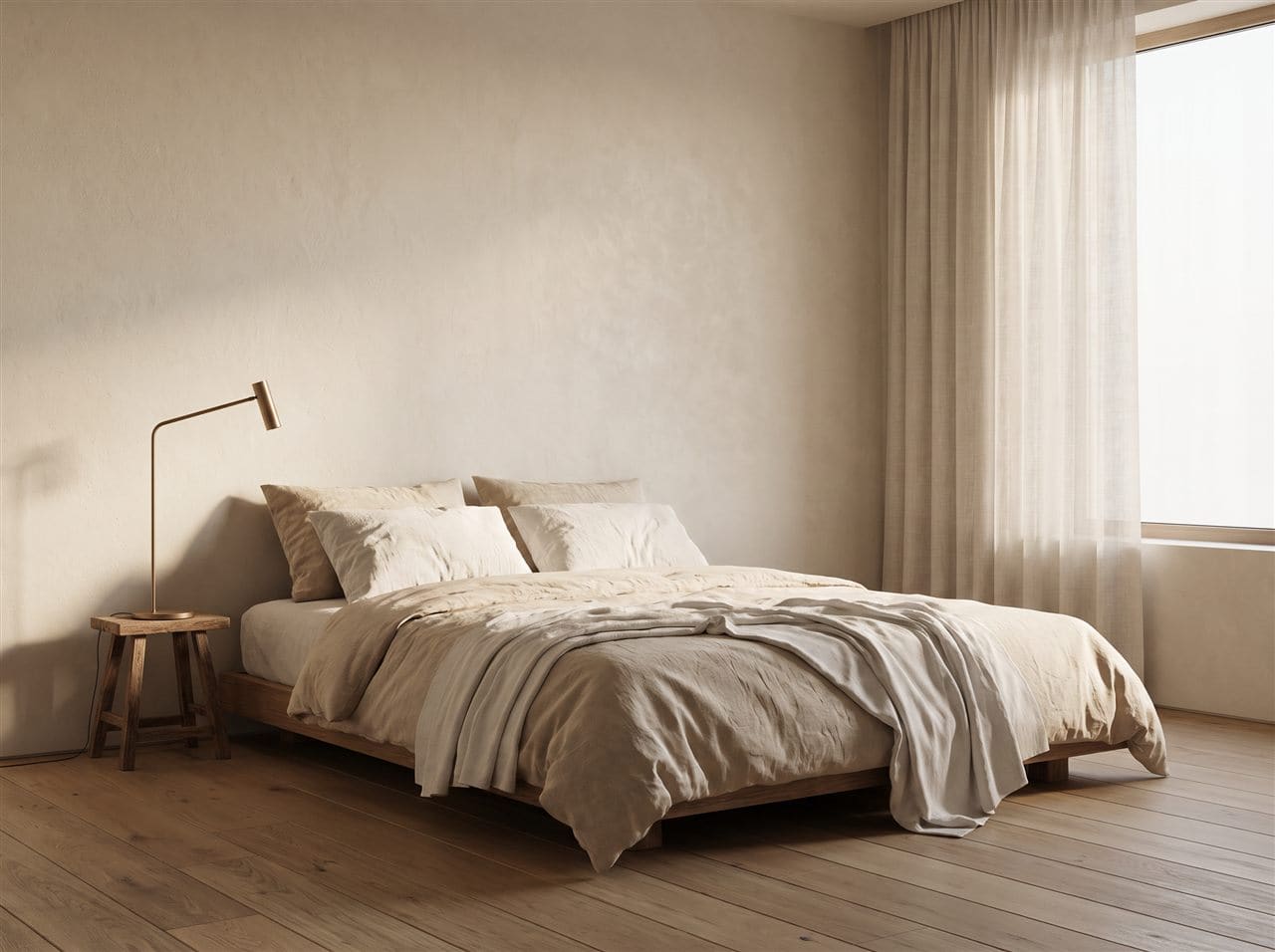
A bedroom render with a client's note pinned to the bed1
AS
Anita Shah · just now

Make the throw a warmer clay tone.

Open · on Rev C
Materials

Finishes chosen against the board, not in an email.

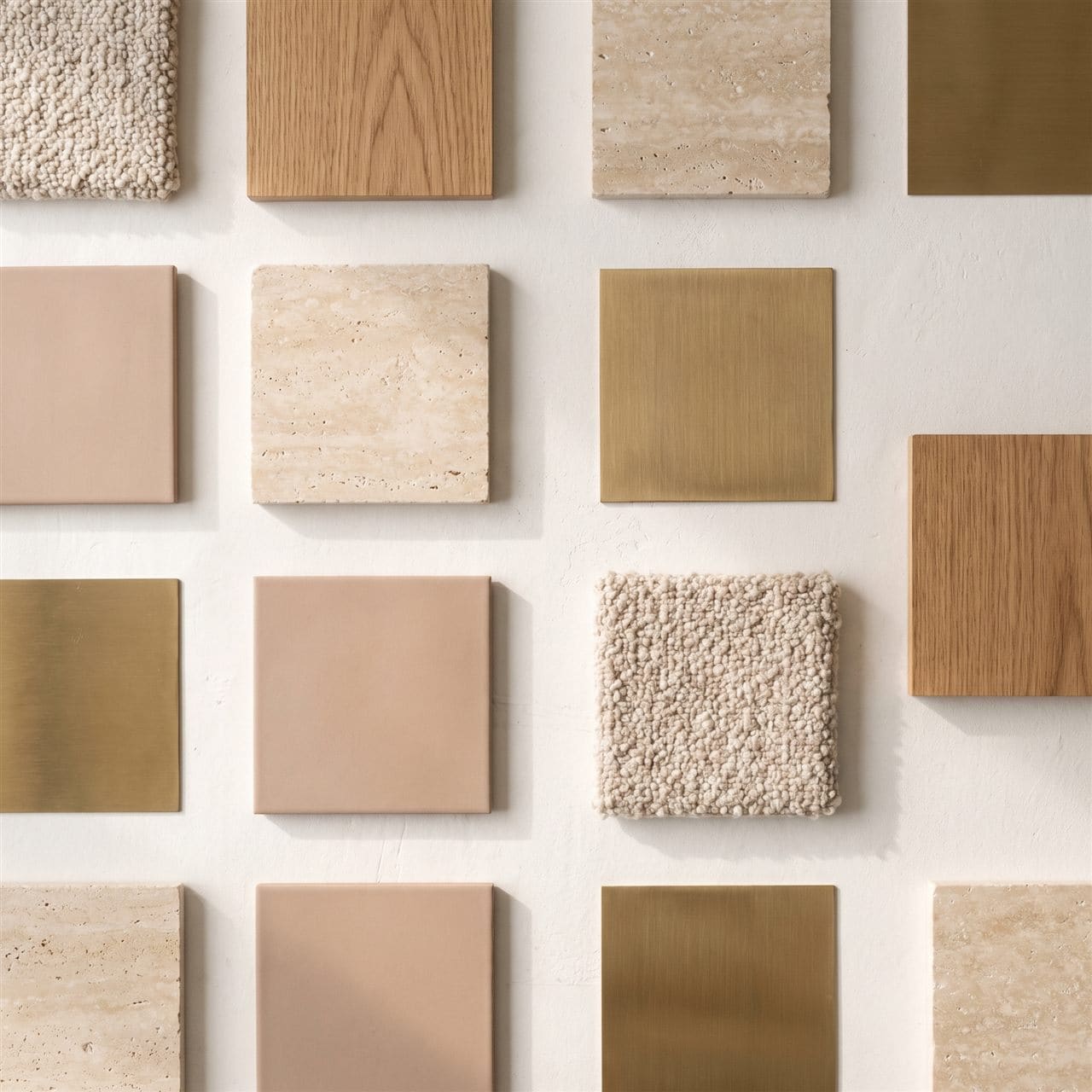
Put your material boards and mood images in the same project folder as the renders. A note pinned to one swatch comes back attached to that swatch.

  • Material boards, mood images and site photos in one link
  • Hide working files and supplier exports with a folder rule
  • Always the newest board, never an old screenshot
A materials board with a client's note pinned to one swatch1
AS
Anita Shah · just now

Can we see this bouclé in a warmer tone?

Open · on Rev C
Protection

Let them review the design. Not walk away with it.

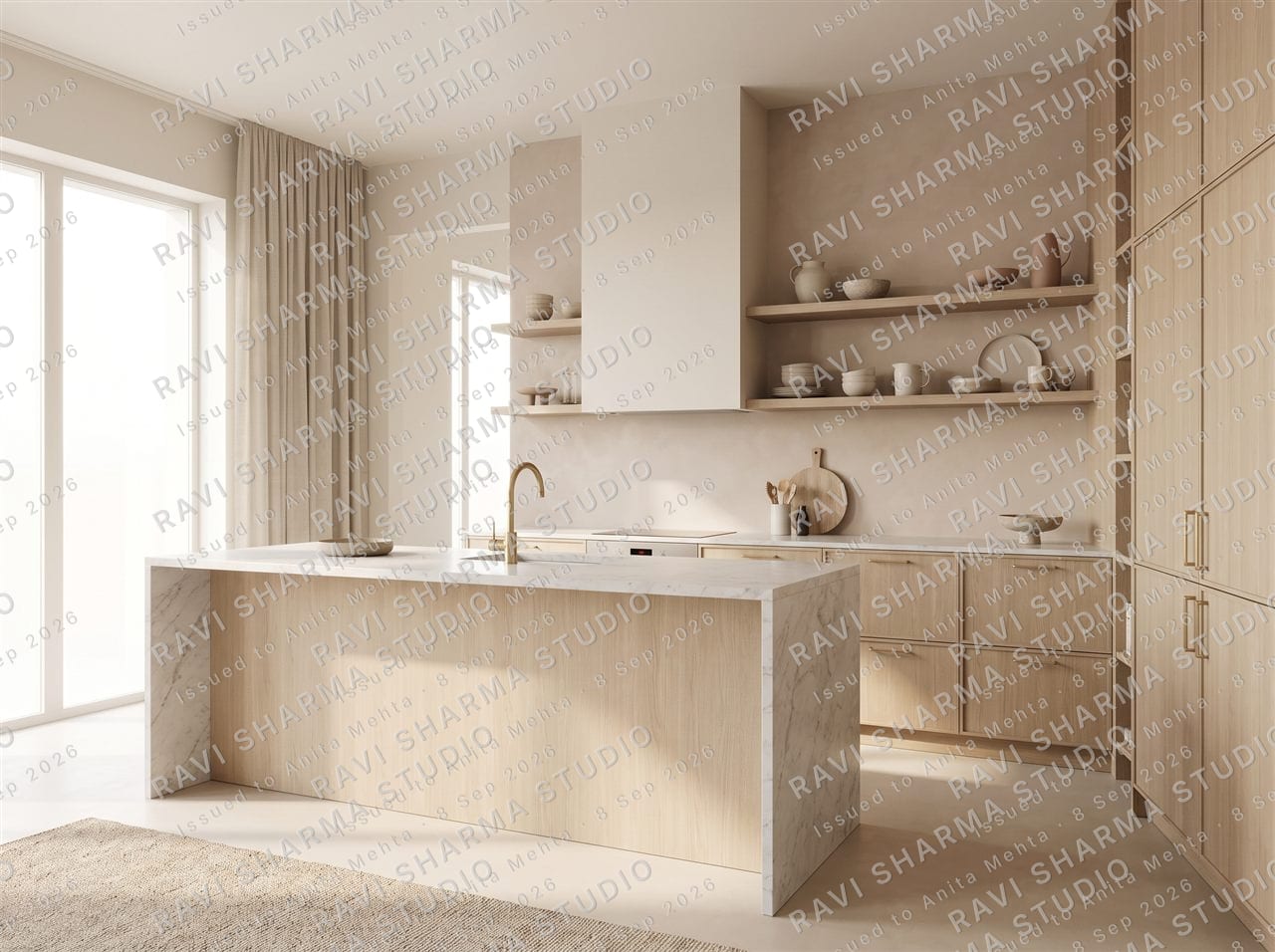
Clients see a watermarked copy at screen resolution with your studio's name written into the pixels. You keep the originals, and hand over clean files when you are ready.

  • The watermark is part of the image, not an overlay
  • Each copy can carry the name of the client it was issued to
  • One switch releases clean files once you have been paid
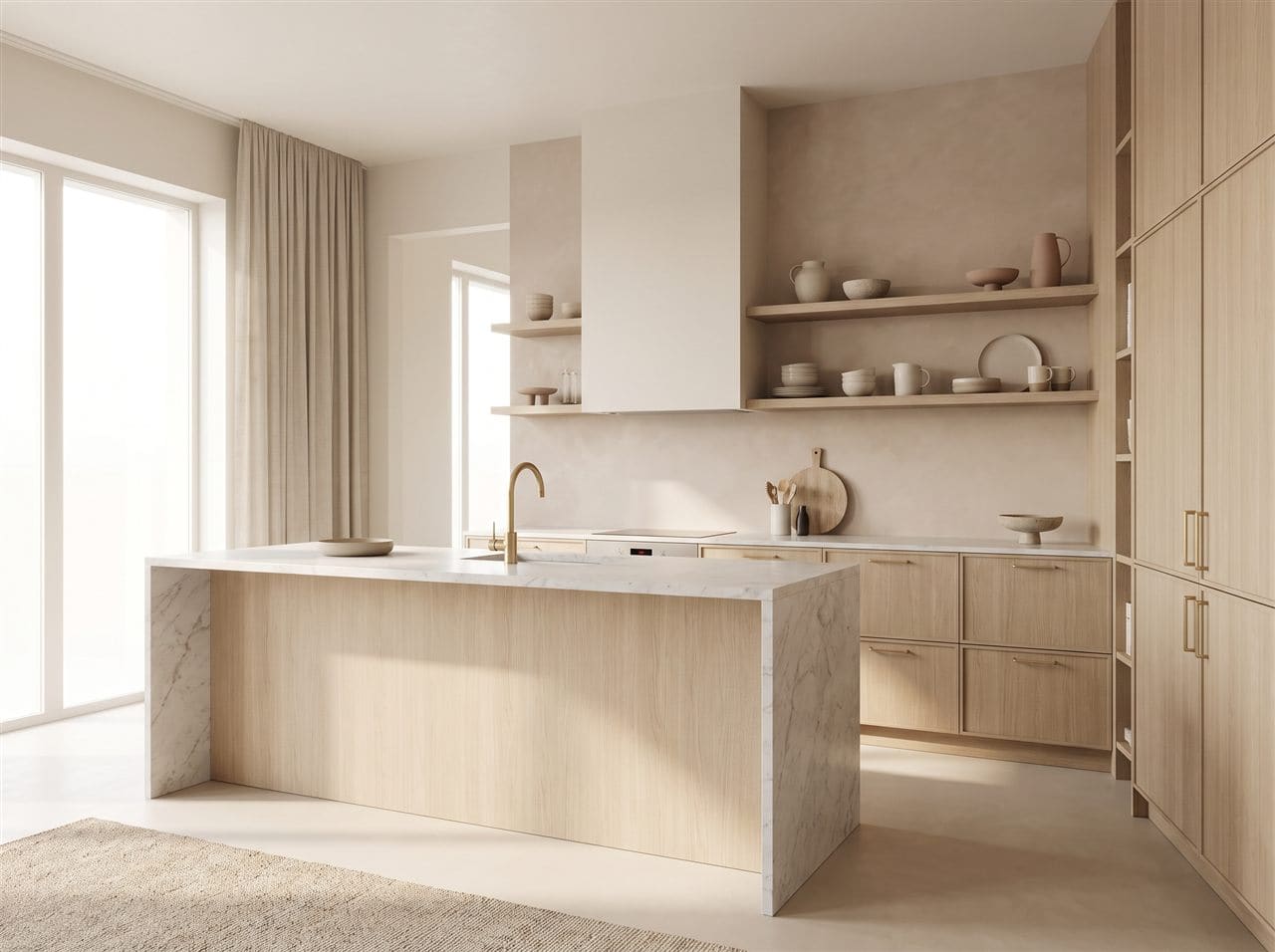
Render as the studio sees it
The same render as a client sees it
Anita Shah · review copyYour original
Or drag the handle
Questions

What interior designers ask first.

Do my clients need an account or an app?

No. They open the private link you send them, on a phone or a laptop. Their link is their login, and their notes stay private to them.

Can I share material boards and mood images, not just renders?

Yes. Any image in the project folder appears in the link, and a client can pin a note to one swatch on a board just as they would to a sofa in a render.

Will my clients see my working files?

Only if you let them. Hide files or whole folders from the dashboard — for example everything in a _wip folder — and they never appear on the client link. Nothing in Drive is moved or deleted.

Can I stop clients downloading my full-resolution renders?

Clients get a watermarked copy capped at screen resolution. You always see the originals, and one switch hands over the clean files when the work is paid for.

Your next client meeting can start with the decisions already made.

Connect one project folder and send your client a single link.

No card · No migration · Setup in minutes