01Set up
your studio
Create your account
Your name, work email, phone number and a password. The phone is only used if you ever pay for a plan — Cashfree needs one for the payment.
Open plott.work → Start free trial → Create account.
Plott, step by step
One private link per project for your client, straight from your Google Drive. Their notes land on the picture, turn into tasks for your team, and every approval is on record.
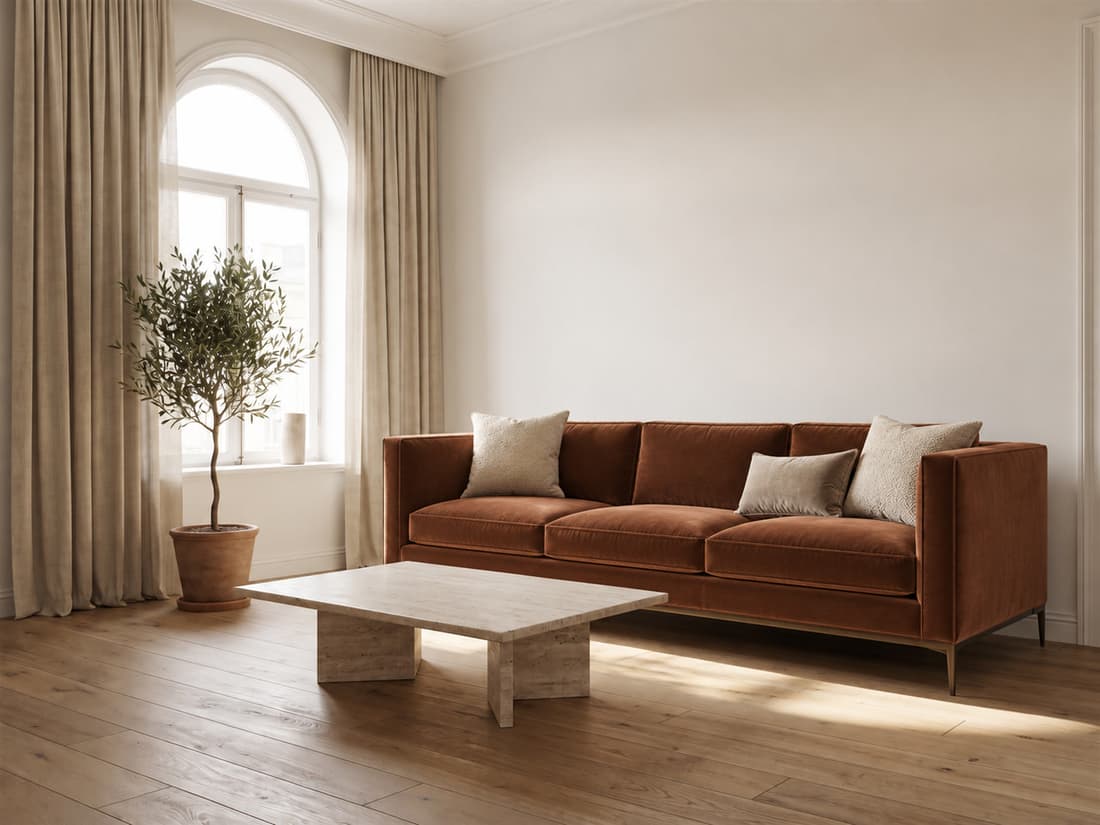 Living Room · rev C
1
✓
2
Living Room · rev C
1
✓
2
01Set up
your studio
Your name, work email, phone number and a password. The phone is only used if you ever pay for a plan — Cashfree needs one for the payment.
02Set up
your studio
Your studio name is what clients see on every link and email. There is no plan to pick: you get the Studio plan free for 30 days, with no credit card, and your first project comes next.
03Set up
your studio
Each person gets an email and joins with their own password. Owner runs the studio and billing, Designer works on projects and replies to clients, Accounts handles payments and reminders.
04Share
your designs
Name it and pick the client from Contacts — or add a new one with their email and phone. Clients are kept once, so the next project for the same family takes one click.
05Share
your designs
Share the folder with Plott as a Viewer and paste its link. Each room folder becomes a group, and names ending in _rev-B or _v2 stack as versions, newest on top. Nothing in your Drive is copied or changed.
06Share
your designs
One link per project that never changes, for every client and every version. The emailed link signs them straight in; later they get back in with a six-digit code by email. You choose who can open it, and for how long: 7, 30 or 90 days.
07What your
client does
On their phone or laptop, nothing to install. A pin goes exactly where they mean — “this wall”, “this lamp”. Each person’s notes are private to them and your studio, and open notes follow the design to its next version.
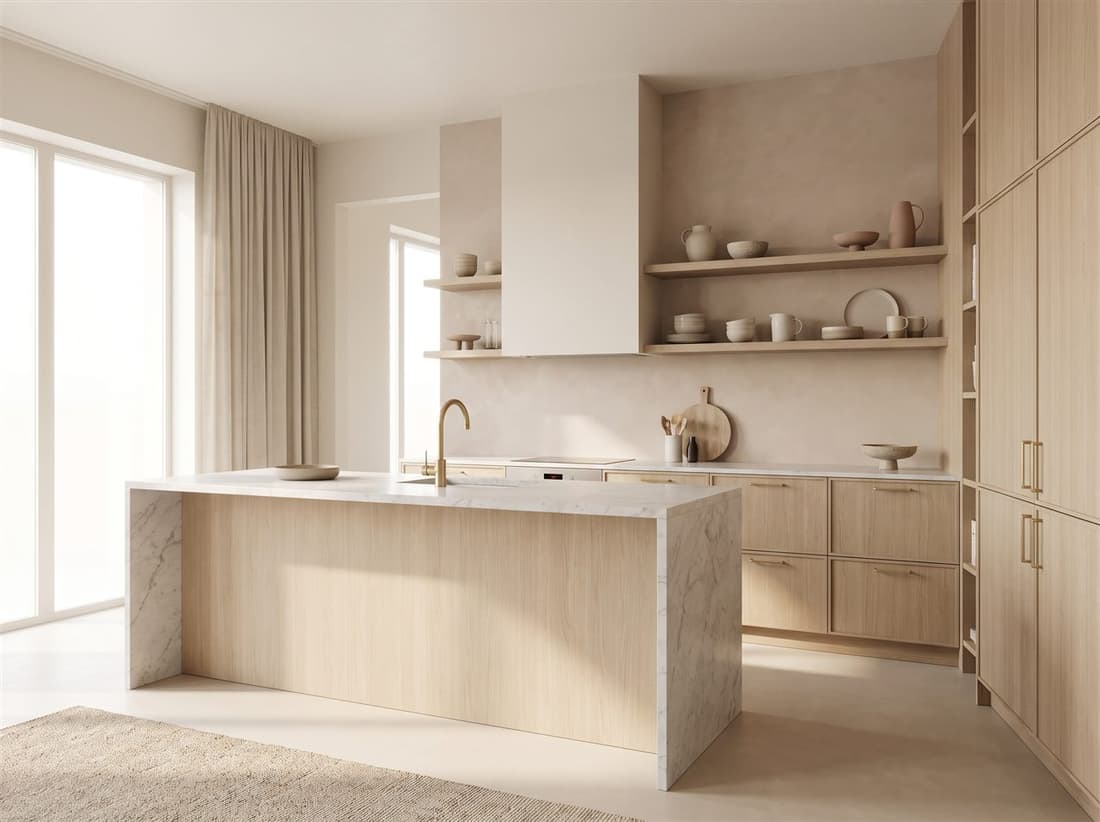 Kitchen · rev B
1
Kitchen · rev B
1
08What your
client does
Two versions side by side show what changed. Ask for approval and they get an Approve button; Plott keeps who approved which version and when, and reminds them after 2 and 5 days.


ApprovedAnil Nair approved rev B · 26 Sept, 4:12 pm
09Run
the work
Press + Task on the notes that need work, or gather several into one. Assign a person, set a date, drag it across. When it’s done, close its notes and reply to each client in one go. Every task keeps a history of who changed what.
10Run
the work
“Ask Priya for the second instalment on the 27th.” A reminder waits until its day, then puts a task on the board for whoever it’s for. Payments, site visits, approvals, documents — monthly fees repeat on their own.
11Run
the work
Upload a PDF, choose who signs, and send it. Each client opens their own email link and signs by typing or drawing. You see who has signed, and the final copy carries a signing record page.
12Run
the work
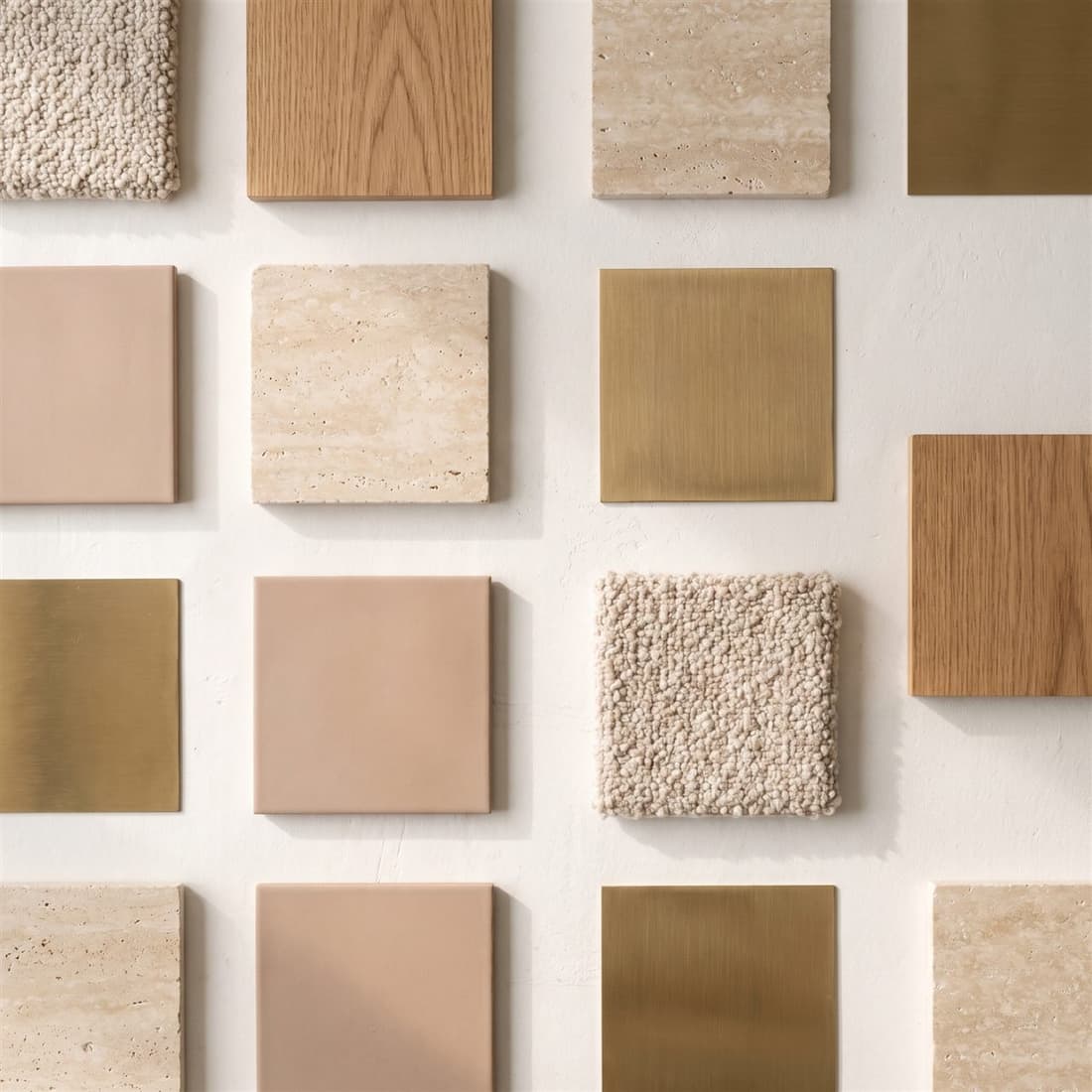
Clients see your renders with your studio name burned into the picture, so a screenshot carries it too. Turn it off once they’ve paid. Pick a layout, add your tagline and links, or use your own domain.
 AANGAN INTERIORS
Plans
Monthly or yearly, in rupees; any GST is shown before you pay. Pay by UPI, card or net banking; Plott emails you before each renewal, and every payment comes with an invoice. Stop any time from Settings; what you’ve paid for runs to the end of its period.
For one designer running their own projects.
A small team sharing one board and one set of clients.
An established practice: as many projects and people as you need.
Introductory prices, September 2026. Payments are collected by Cashfree; Plott never sees your card or bank details.
Sign up, connect one Drive folder, and send the link to a client you’re working with now. You’ll see their first note on the design, not in a WhatsApp thread.